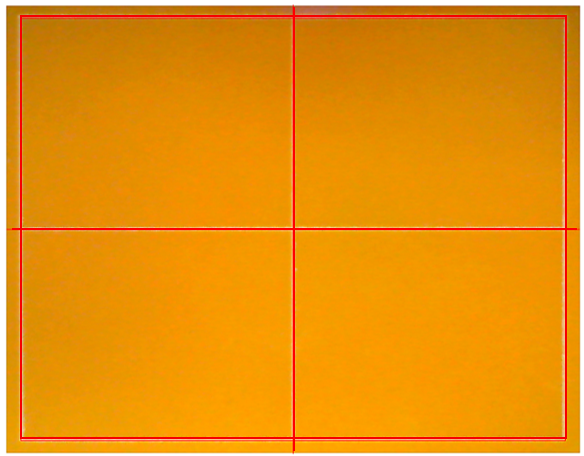
4. Camera calibration
| Bakelite plate (120x100x2t) |
 |
- Camera can be calibrated in the MagicEngrave program.
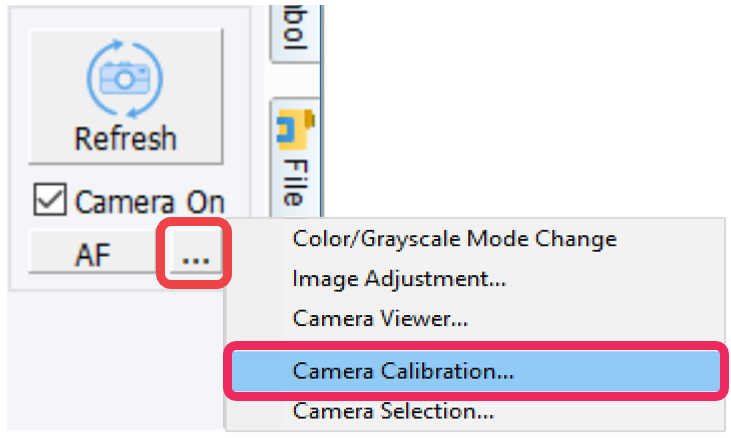
- Use the

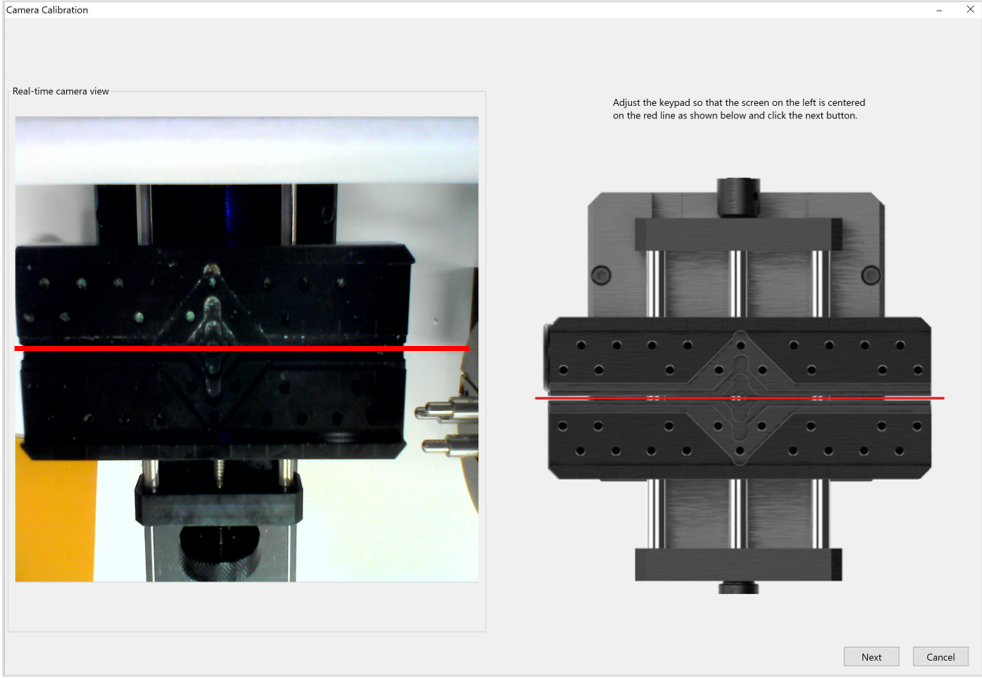
 button to adjust the red line (that appears on the screen) to center of the clamp. Once the red line is adjusted to the center, click Next.
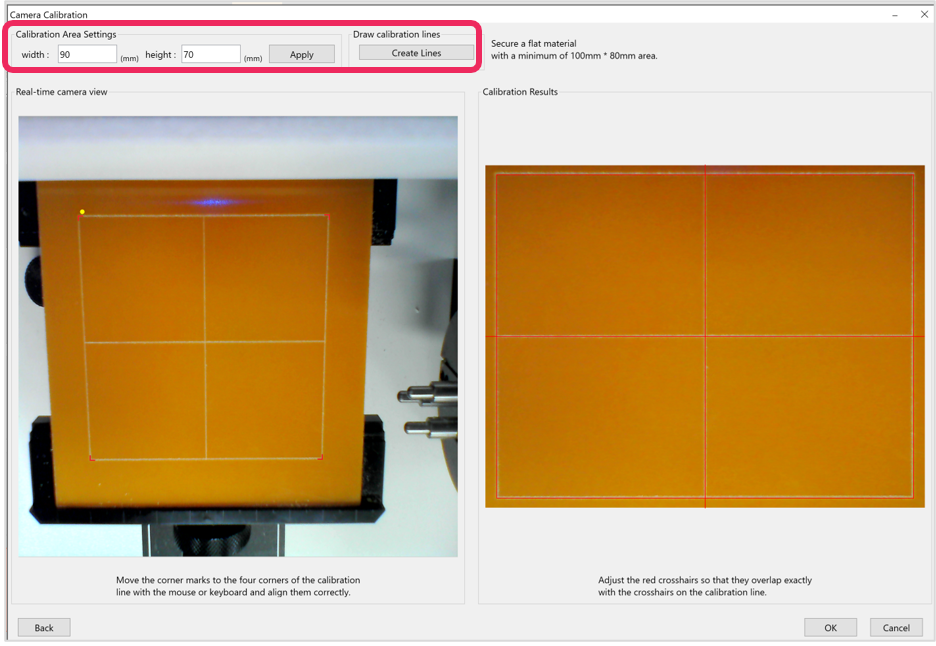
- Place and secure the bakelite to the clamp. Set the calibration area to 90 x 70mm then click Create Line. Check the calibration results then click OK.
- Press and hold the
 button (for more than 3 seconds) until it beeps to start engraving. A rectangle will be engraved for calibration.
- Align the red corner marks to the calibration line corners with the mouse or keyboard.
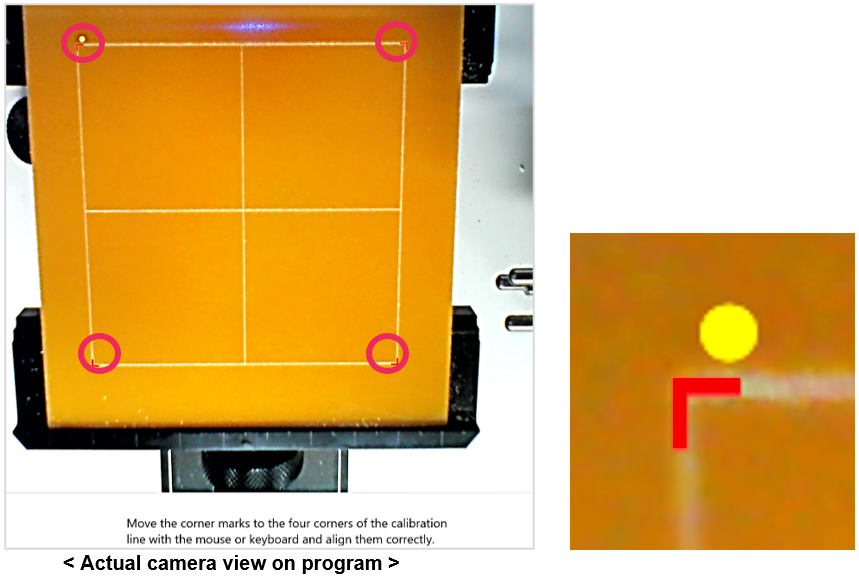
- Check the calibration results on the program. Be sure that the red lines are marked over the calibration lines. Click OK to complete the calibration.