1. Standby- Flat
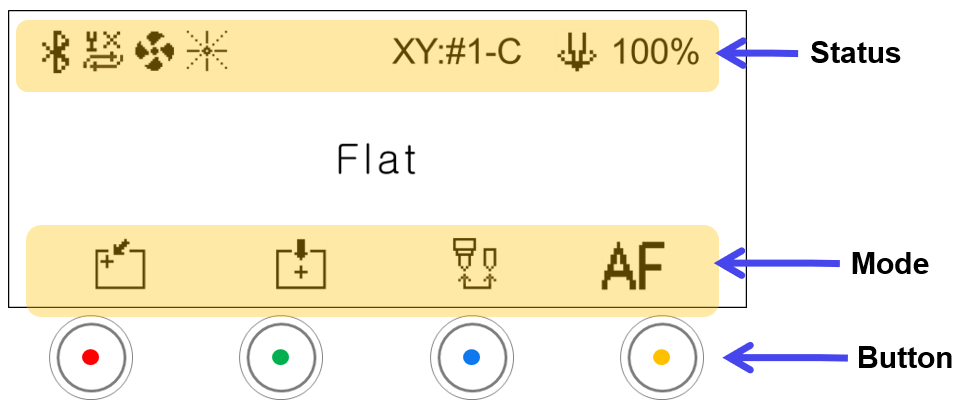
| Status | ||
|---|---|---|
 |
Bluetooth | Icon appears when Bluetooth is activated |
 |
Auto Zref on Repeat |  : No measurement 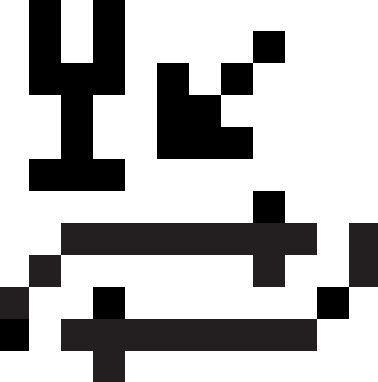 : Height measurement only  : Height measurement + area check |
 |
Chip collector Power | Chip collector ON/OFF: Icon does not appear when OFF |
 |
Focus Pointer | Laser pointer ON/OFF |
 |
Front Cover | Selects whether to use the front cover or not. ※Optional device; sold separately |
| XY:#1-C | X-Y Origin | X-Y origin •#1: Clamp No. (1-5) •C: Origin No. (C: Center; origin No.: 1-8) |
 |
Spindle power | Adjusts the spindle power (50~100%). |
| Mode | ||
|---|---|---|
 |
Left-top origin | Moves the tool to the position saved in the “Left-top” button and sets the position as origin |
 |
Center origin | Moves the tool to the position saved in the “Center” button and sets the position as origin |
 |
Tool change | Switches to tool change mode |
 |
Auto focus | Activates camera auto focus position • Auto moves to view position after height measurement • Refreshes the camera display at MagicEngrave. ※Variety of features available for use once MagicEngrave software is enabled. |