5. Abnormal Z-axis movement during initial operation
- Turn on the machine.

- Remove the L-tool fixing knob.
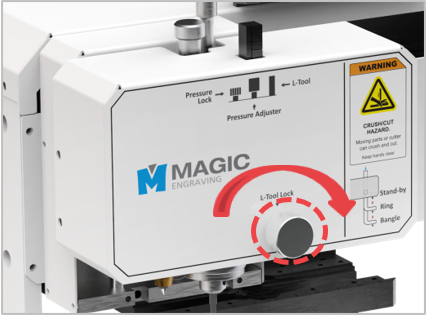
- Using a 2.5 mm hex wrench, remove the bolts on both sides of the head cover.
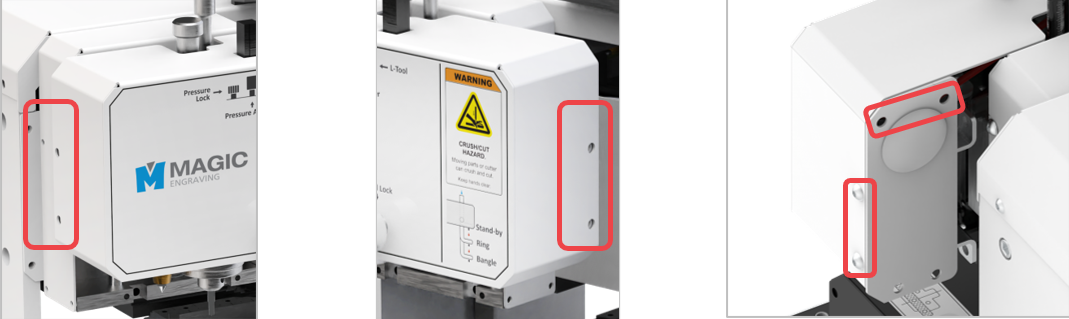
- Using a Phillips screwdriver, remove the bolts on the Z-sensor cover.
 |
 |
- Use the air compressor to blow air onto the sensor.
