Status Indicator
The status indicator is placed at the bottom left side and bottom right side of the machine. It is used to indicate the status of the device.
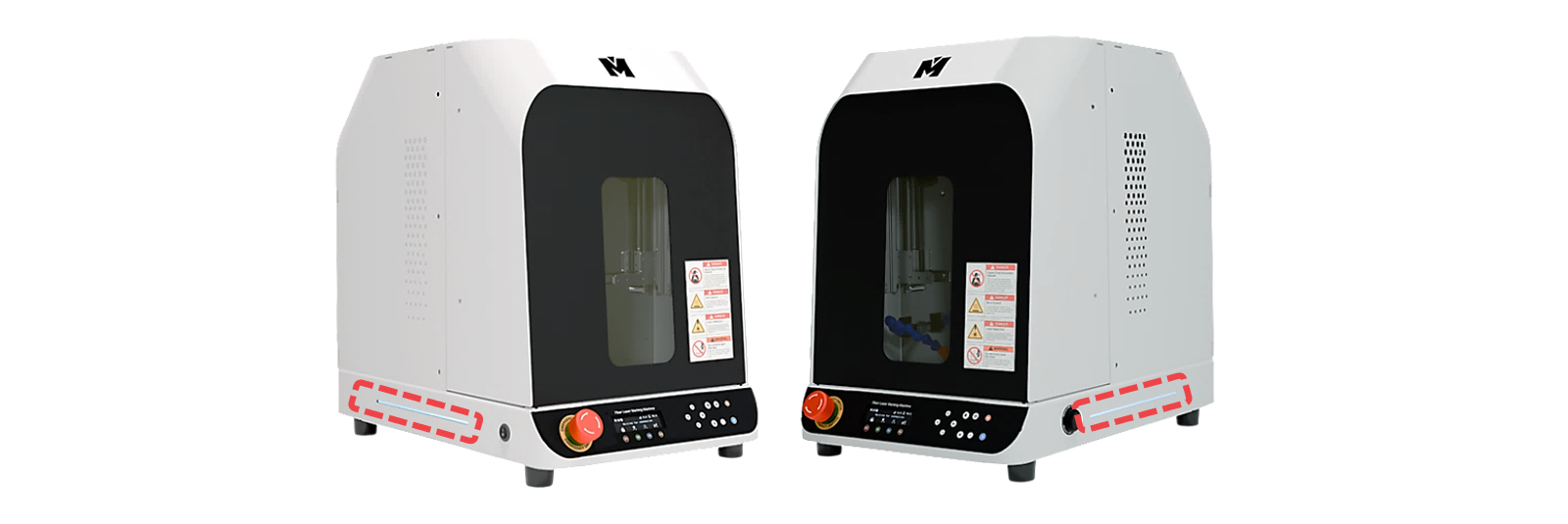
The machine displays flashing or blinking lights to show its current status. The lights displayed indicate the following status:
| Status | Blinking Interval |
| Computer connecting |  |
| Waiting |  |
| Operating | |
| Notification |  |
| Error |  |
Long-press  button (for 2 seconds) to enter menu mode.
MENU:
1: Product Info
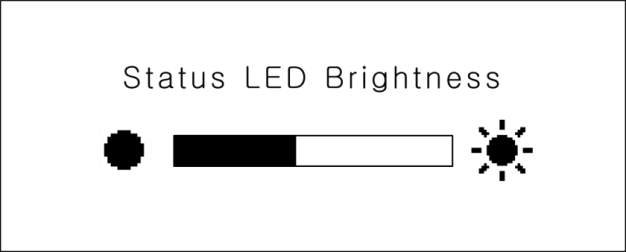
2: Status LED Brightness
3: Reset Memory
Press and hold  button (for more than 2 seconds) until it beeps to run the menu.
Use 
 (Direction X) buttons to adjust the brightness level.
Go to the L3 Prime Descriptions➜