3. Saving Multi-performance Clamp Origin Position
- Press
 button to turn on the laser pointer.
- Once the laser pointer is on, use


 direction keys to move the pointer to the desired position on the clamp then designate the position as origin.
Origin1- Center
- Use the direction keys to set the laser pointer origin.
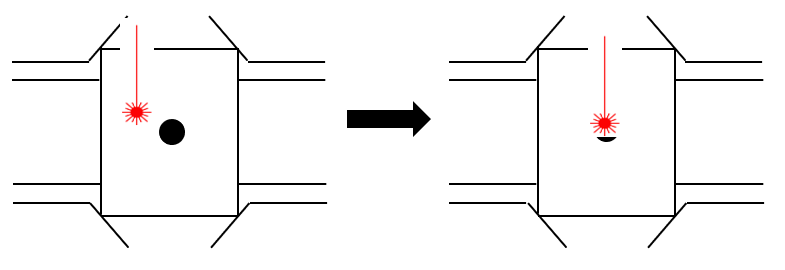
Origin2- Additional
-Use the direction keys to move to the position to save as the origin.
- Pressing/holding the
 button (for more than 3 seconds) to save the current position as origin.