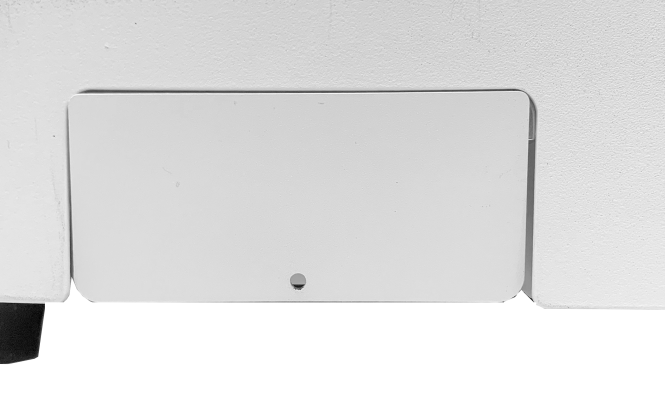
4. Back Cover
-Optional (Sold separately)
| Back Cover (CP-253) |
 |
1EA | Back Port Cover |
| Square Magnet |  |
2EA | To secure the back cover. |
| Bolt (M3x8mm) |
 |
3EA | To secure the square magnet. |
- Assemble the back cover then attach it to the back side of the machine.
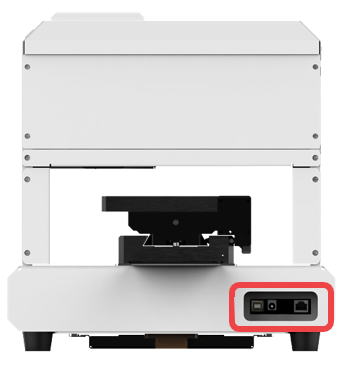
- Insert the bolt into the square magnet then screw it into the machine.
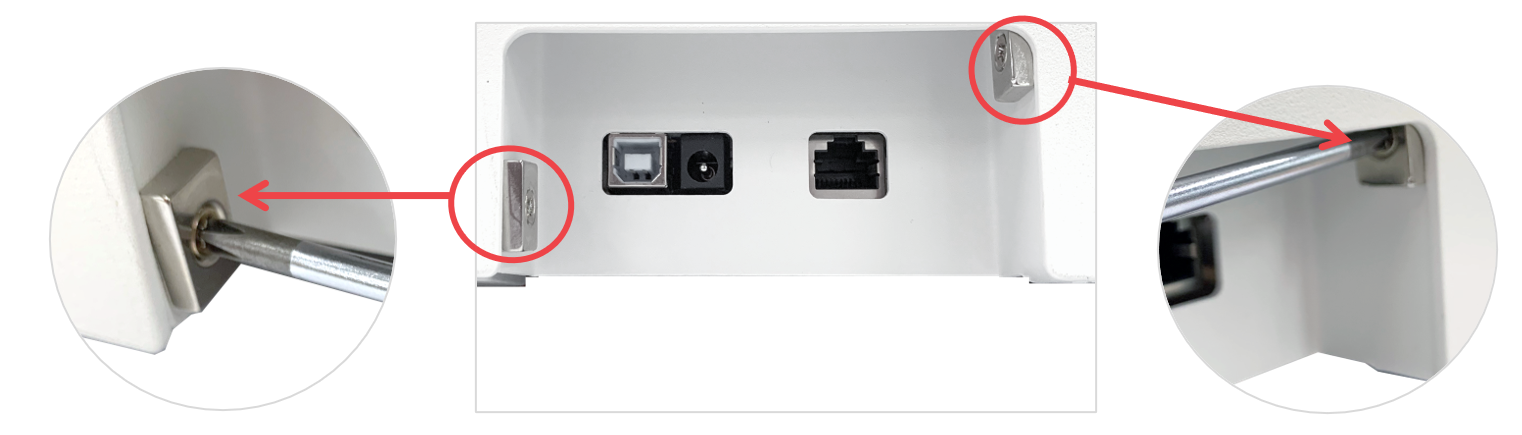
- Attach the back cover. The back cover is secured by the square magnets.