5. Chuck Finger Origin point
- Attach the chuck finger to the rotary clamp.
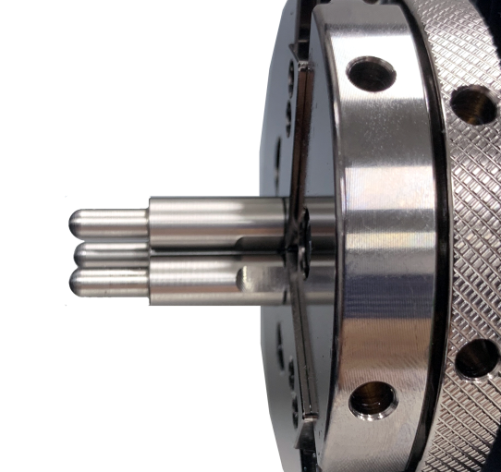 |
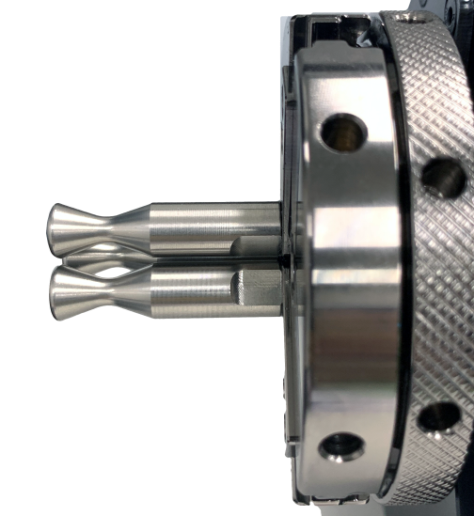 |
| Flat Chuck Finger | Round Chuck Finger |
- To enter the Standby-Rotary mode, press Finger Mode button.
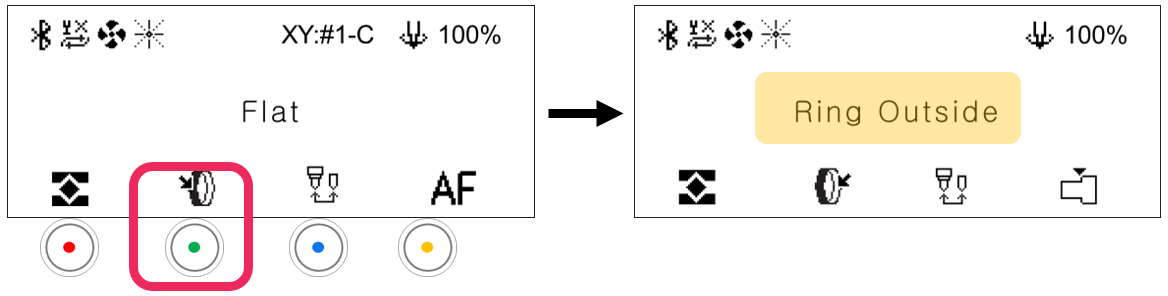
- Press


 button to switch to Move mode-Rotary.
When the LCD window displays the following (as shown below), press Laser pointer button to turn on the laser pointer.
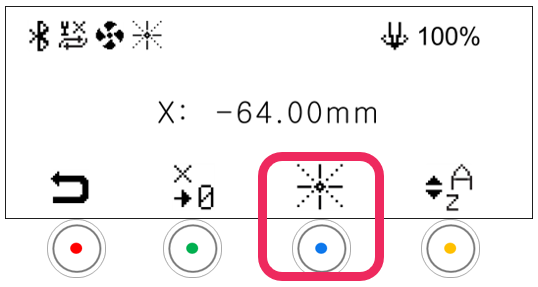
- Use the direction keys to match the laser pointer to the base point of each chuck finger as shown below.
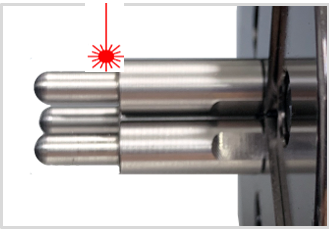 |
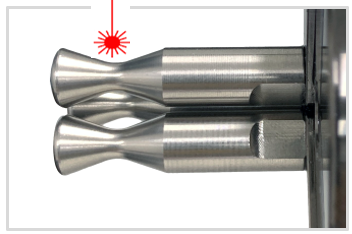 |
| Flat Chuck Finger | Round Chuck Finger |
- Press the
 button to display save confirmation on the LCD window. And press button to change mode. (Flat finger → Round finger → cylinder).
- Short press button: Temporary save (message guide X)
- Long-press and hold button (for more than 3 seconds): Permanent save
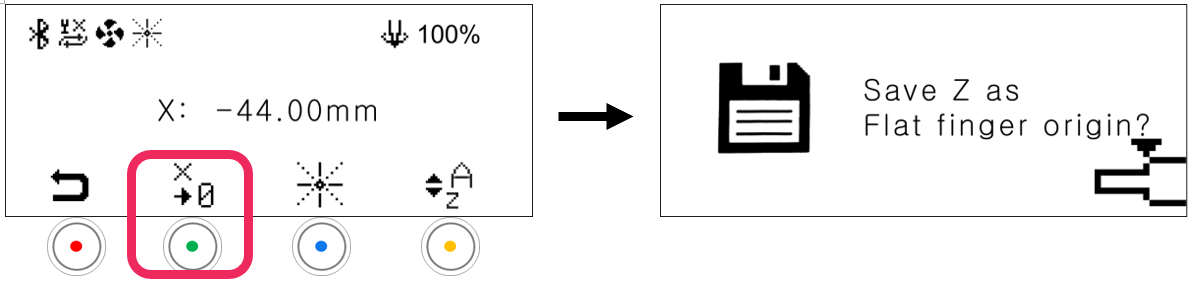
- Press the
 button to save the setting.