4. Saving New Clamp Origin Position
- Press
 button to enter menu mode.
- Use


 buttons. When 2. Select Origin menu appears on the LCD window, press
 button to run the menu.
- When menu appears on the LCD window (as shown below), use buttons to select “Clamp” and use buttons to select “Origin.”
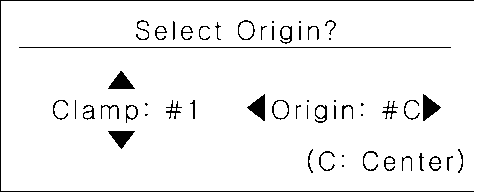
- Long-press and hold the button (for more than 3 seconds) until it beeps to confirm that the setting is saved.