4. Move Mode-Rotary
Press one of the 


 buttons in the [STANDBY] mode to activate [MOVE].
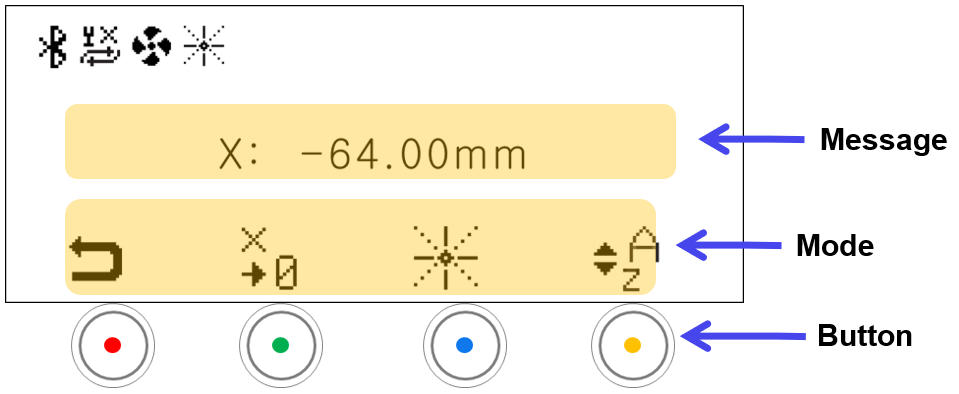
| Message | |
|---|---|
| A-axis Position | Displays the A-axis position |
| Mode | ||
|---|---|---|
 |
Standby Mode | • Switches to the STANDBY mode • Switches automatically to [STANDBY] mode if not in use for 10 seconds. Press any buttons to activate [MOVE] mode. |
 |
Save Origin | Saves the current position as the XY origin *Short-press: Temporary save *Long-press: Permanent save • If  (A-axis mode): If the laser pointer is ON, the laser pointer position of the current finger is saved as the origin. • If  (Z-axis mode): The SAVE ORIGIN icon changes to ‘  ’, and the curent Z-axis position is saved as the origin. - Outer diameter mode: Z-axis origin of outer diameter - Inner diameter mode: Z-axis origin of inner diameter |
|
UP-DOWN Button Settings | The mode changes in sequence (A-axis → Z-axis) in a loop whenever the button is clicked.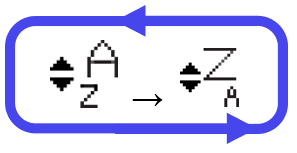 |