2. Standby–Rotary
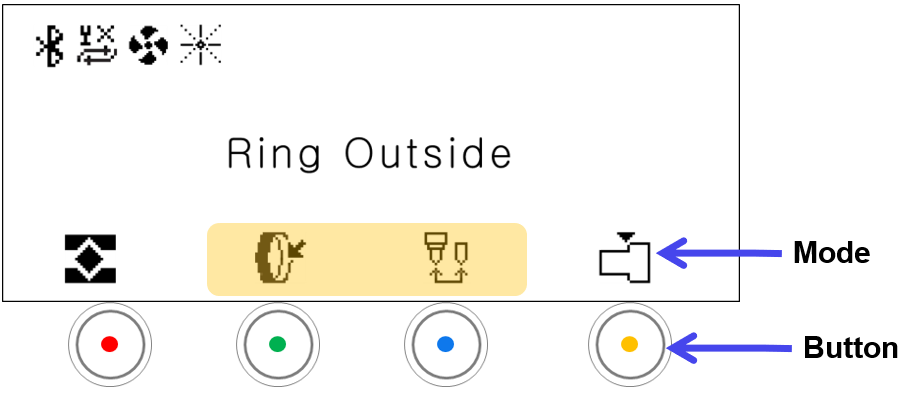
| Mode | ||
|---|---|---|
 |
Rotary Mode | Switches to rotary mode : Changes to rotary inner diameter mode : Changes to rotary outer diameter mode |
 |
Finger Mode | The mode changes in sequence (Flat finger → Round finger → cylinder) in a loop whenever the button is clicked. Flat Finger  Round Finger  Cylinder (Used for cylinder engraving / ring cutting) |